From the ground up
Geotechnical data,without the busywork.
Groundscribe helps geotechnical engineers move from field notes, borehole data, lab results, and subsurface information to organized logs, visualizations, and reports faster.
- Automate repetitive
workflows - Keep everything
connected - From field to final
report, faster
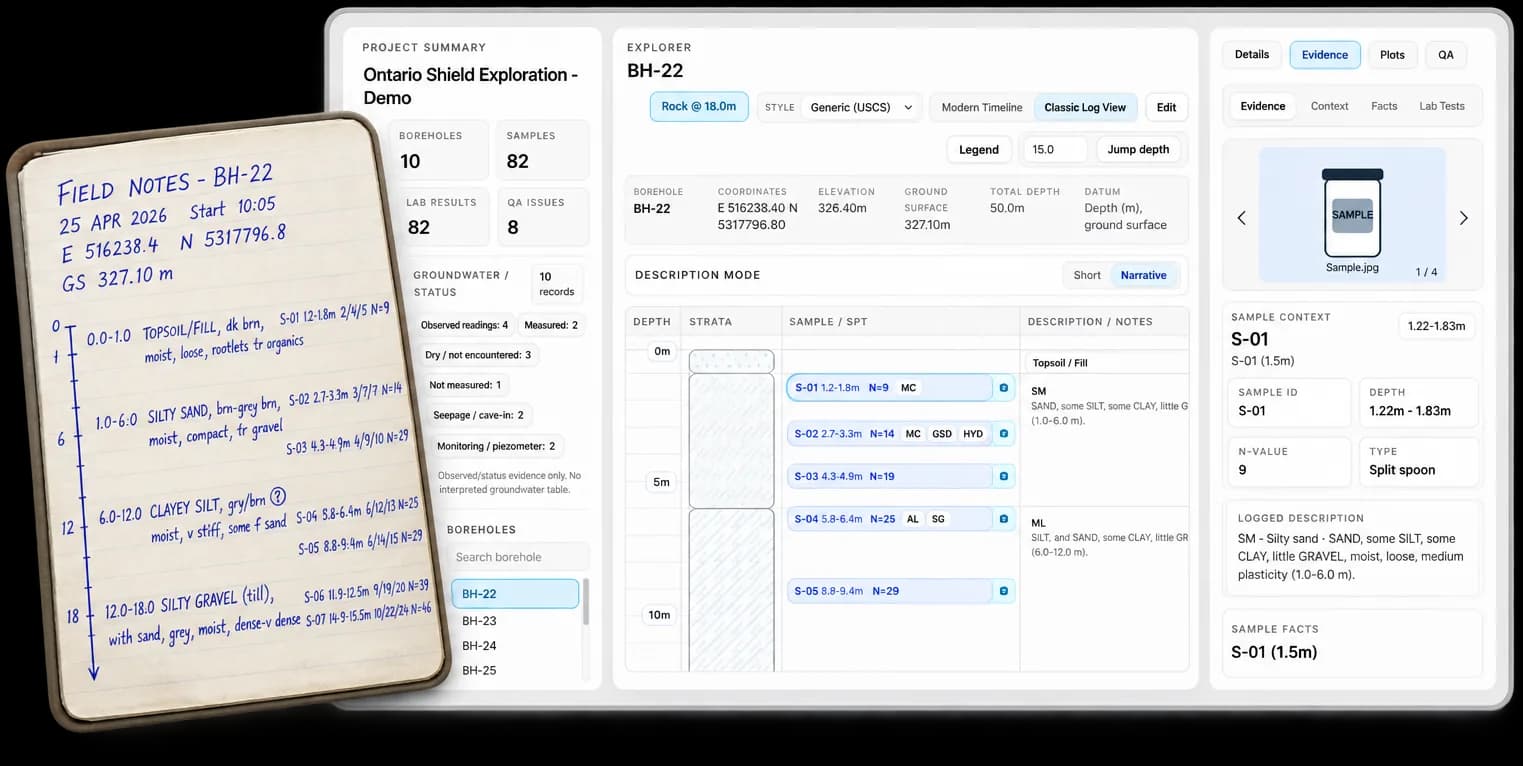

A simpler workflow from field data to engineering deliverables.
Turn scattered data into clarity — in five connected steps.
Field Records
Capture field information or bring existing records into the project.
Borehole Logs
Turn field records into structured borehole data and draft logs for review.
Lab Data
Connect laboratory results to the samples and depths they describe.
Generate Subsurface Views
Instantly generate maps, comparisons and subsurface views from connected project data.
Deliverables
Move reviewed project information into logs, figures and reporting without rebuilding the same data across separate files.

Built for how geotechnical engineers actually work.
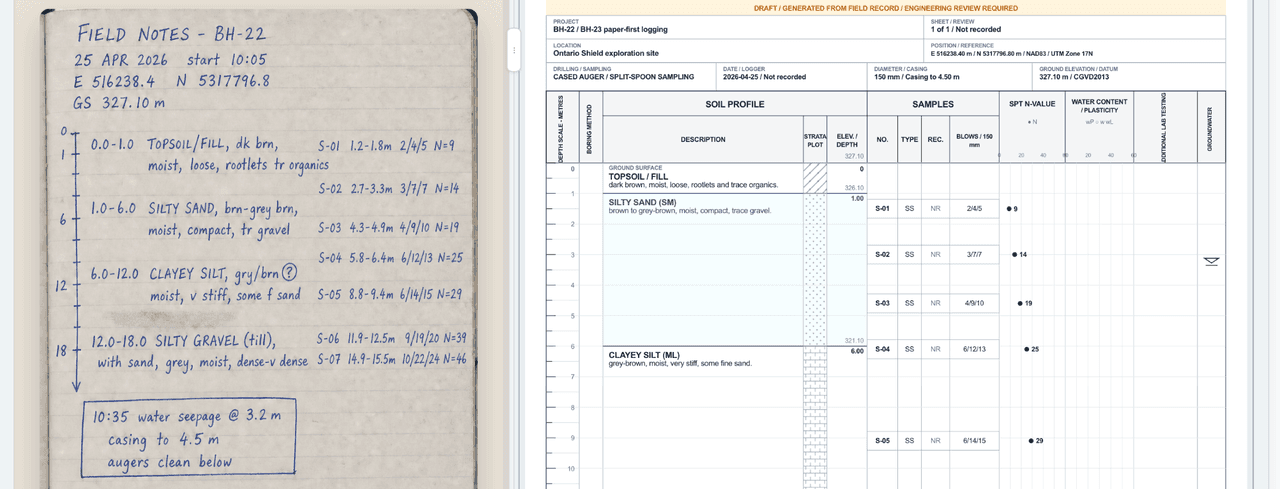
Digitize thefield workflow.
Turn field information into structured borehole data and a professional draft log for engineering review.
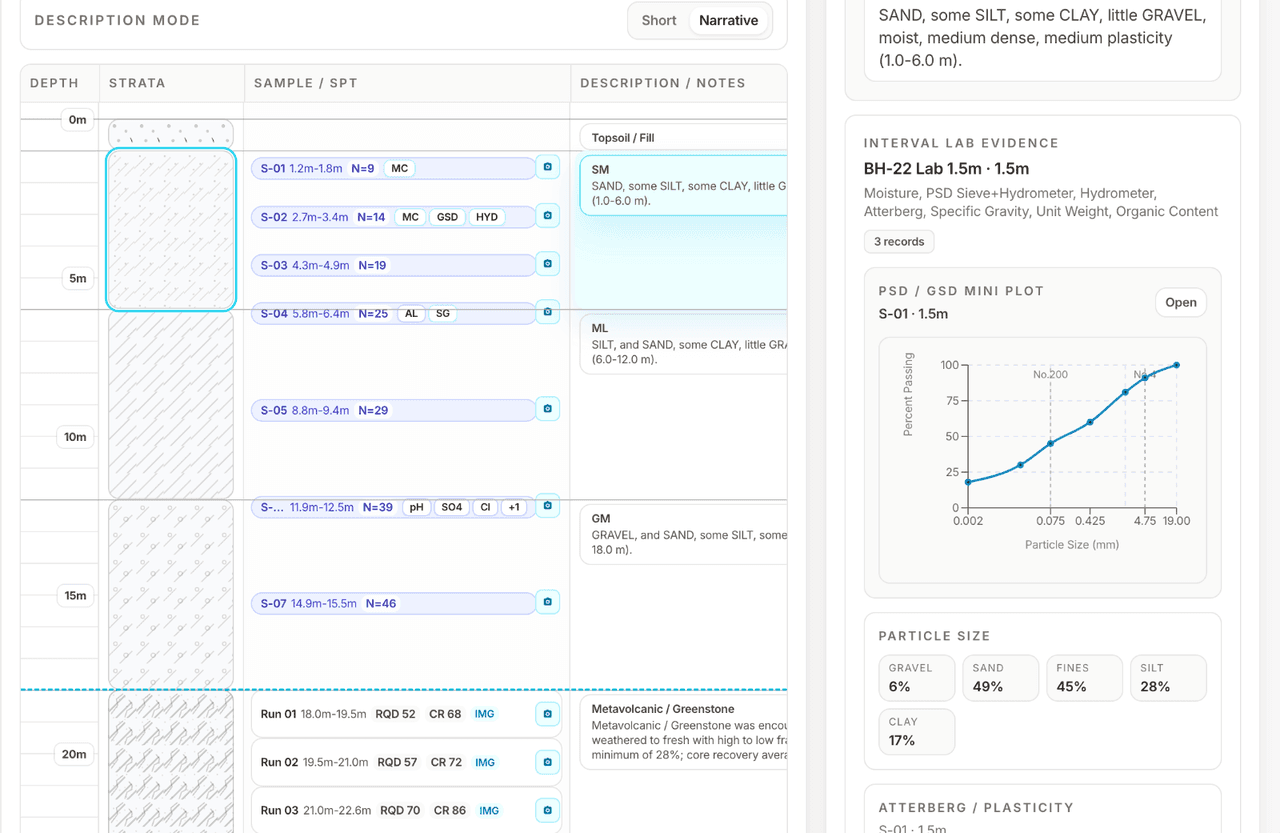
Keep everyresult in context.
Keep samples, laboratory results and supporting evidence tied to the borehole, interval and depth they belong to.
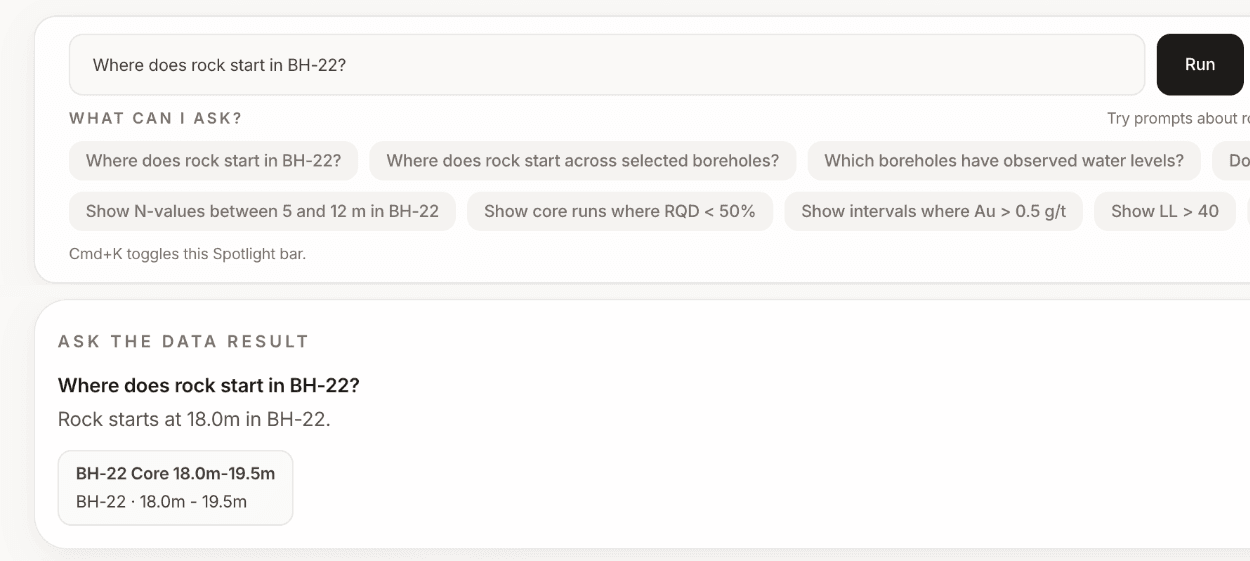
Get answers fromyour project data.
Ask a question and quickly find the relevant boreholes, intervals, samples and test results — without digging through every record.
A clearer picture. A more resilient tomorrow.
Spend less time formatting data.More time engineering.
Groundscribe helps geotechnical teams move from field data to engineering insight faster.